
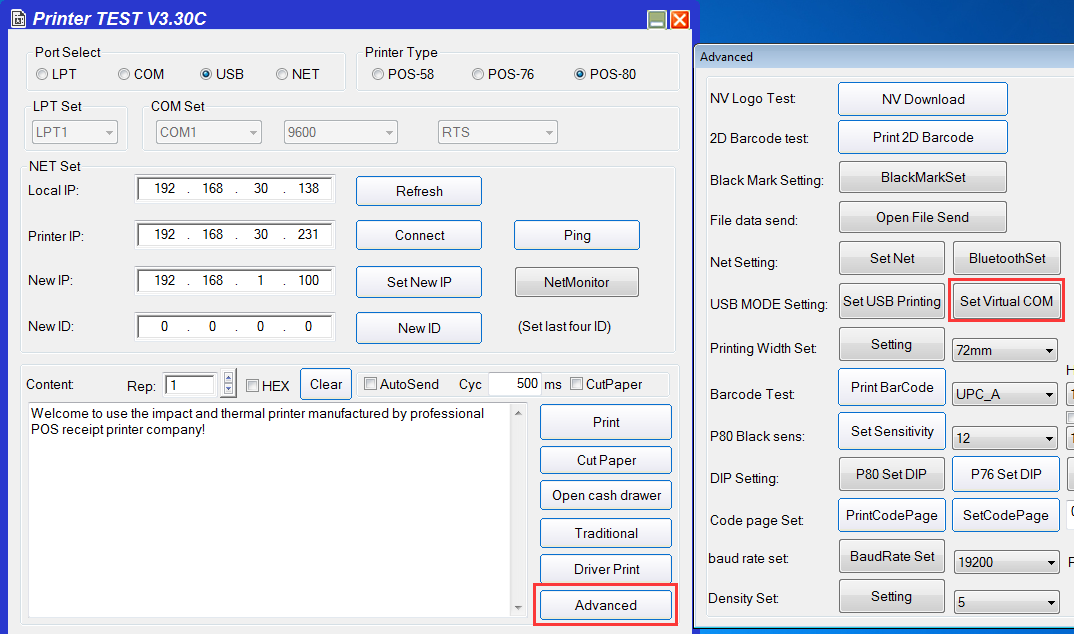
1、Please connect the printer with PC by USB. Then Set Virtual USB in setting tool.
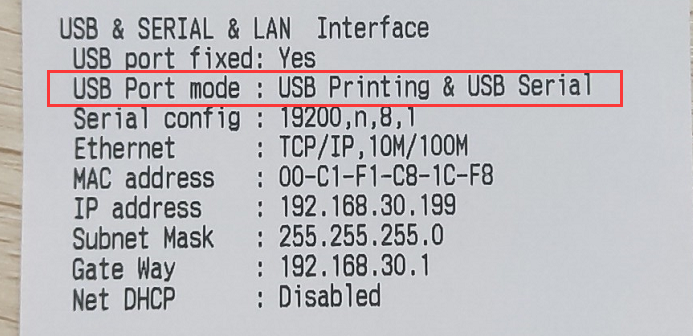
2、After setting, you can print a seft-test page, it will shows USB Serial, mean setting successfully
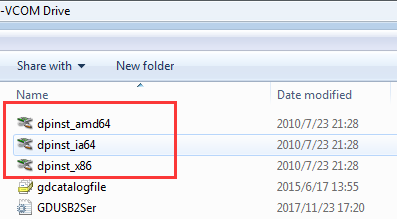
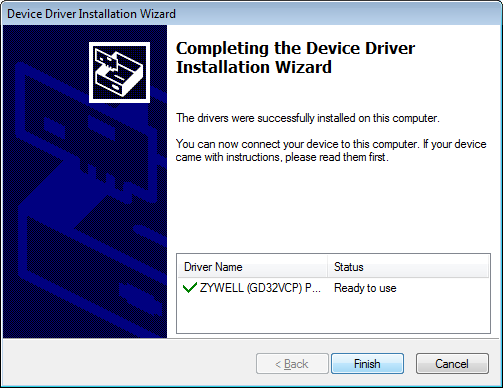
3、For win7/8 needs to install Virtual Driver, 64bit or 32bit (Notes: for win10 OS, no need install Virtual Driver)
Driver Download: https://my.pcloud.com/publink/showcode=XZeU0q7Z2VUDcQuUpvHuxhKVWQGPpjOjs1Wy
Comments
0 comments
Please sign in to leave a comment.