
A:The IRT04/05 tablet comes with a power plan to extend battery life. However, you might want to adjust some features manually with the Battery icon.
Operation steps:
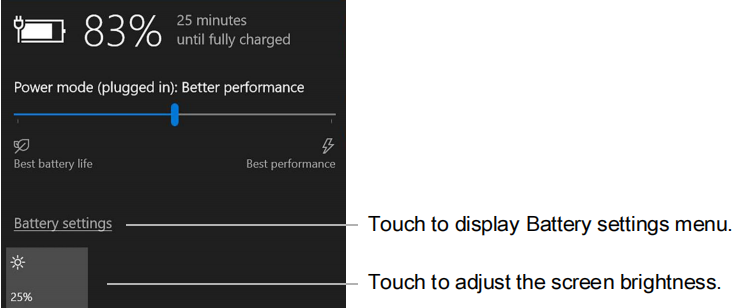
- Touch the Battery icon in the notification area of the taskbar.

- Touch the slider menu to adjust between better performance and battery life.
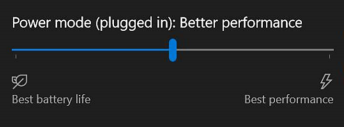
-
Touch the brightness tile in the lower left corner to adjust the brightness.
-
You can also touch Battery Settings on this menu to make adjustments to the Battery saver.
Comments
0 comments
Please sign in to leave a comment.