
A: If you want to test NFC function, please find a app named Appcenter, and find "NFC" function part.
See pictures as below:
When enter NFC function part, put a NFC card, simply tapping a NFC card against the device, the PDA will auto read the card.
Tips: Please note that the NFC chip is on upper part of the machine, so tap the NFC card nearby.
Tips: If you are using other apps that need the NFC data display to the cursor position, please set it in settings>connected devices>connection preference>NFC> NFC to cursor position.
B: If you need to use Contactless Payment via NFC, please make sure you have turn on NFC function in Settings. Generally, it is default on.
Go to settings>connected devices>Connection preference>NFC>
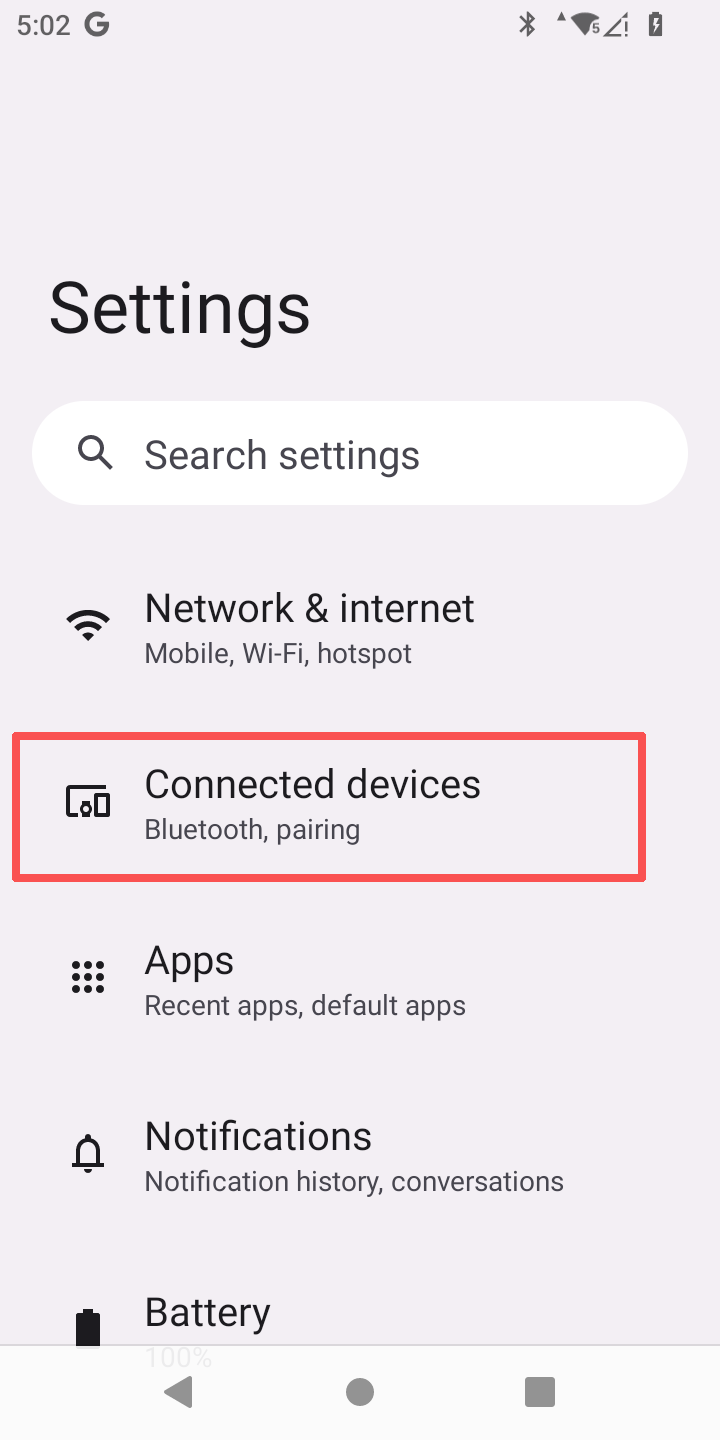
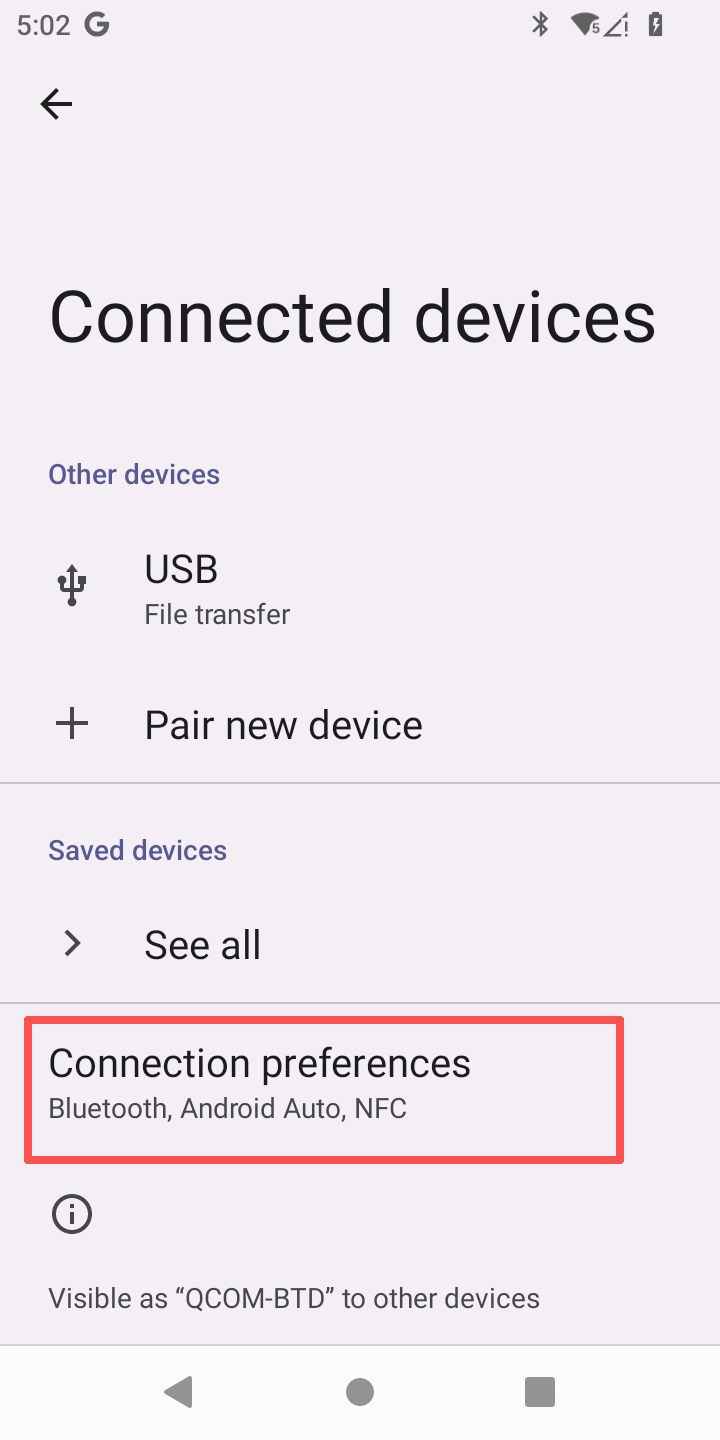
Please note that the default contactless payment is Google Pay, and if you use other app, please make sure you have install it.
If you have any question, please contact Munby Support Team with your Amazon order along with a video about your issue.
Comments
0 comments
Please sign in to leave a comment.